


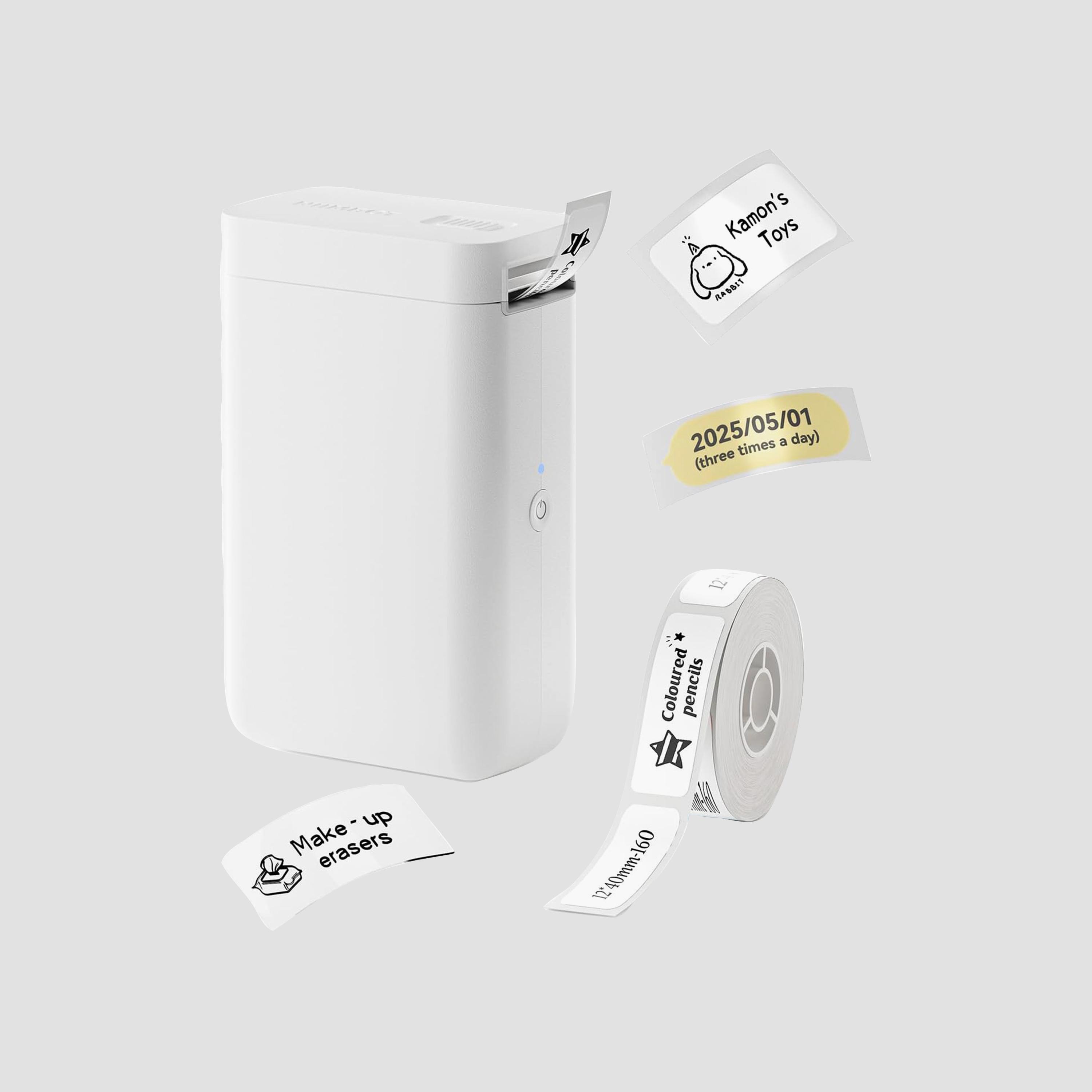
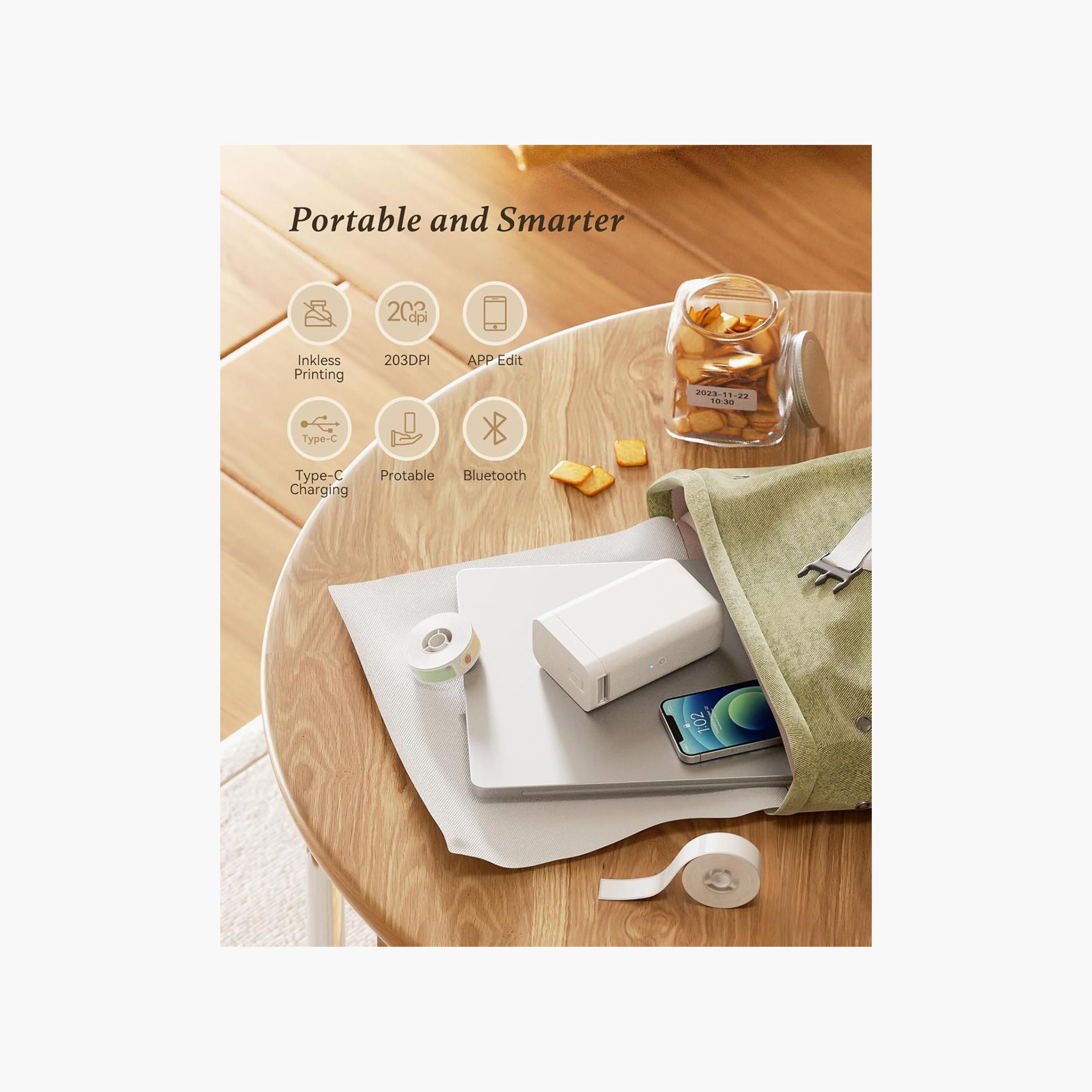
Niimbot Label Maker Portable Smart Sticker Printer with Tape White | D101
140
Pay 4 interest-free payments of 35/ month with
Color: White
Product Details
For best results, use NIIMBOT label paper. Each roll has a chip for automatic recognition and matching with the correct print template.
Download the free NIIMBOT app from your phone’s app store or Google Play. The app is 100% free—if you see a charge, it’s just an app store ad, please ignore it.
You can skip account registration if you don’t want to sign up. Registering helps save your labels for easy access and reprinting later.
The included label paper is brand new and sealed. Peel off the sealing sticker before use.
Load the label paper with the printing surface facing down. Pull it out slightly so the printer can feed and print properly.
Use a charger directly to charge the label maker, not USB ports of other devices.
The machine shows a blue light while charging, even after fully charged.
The default print density is 2. Adjust to 3 or use bold text if you need darker prints.
This item cannot be exchanged or returned.
Weight & Dimensions
Weight (g)
340
General Specifications
- TypeAccessories
- FeaturesModel No.:D101|Type:Label Maker|Special Features:Portable|Printer Type:Thermal|Printer Output Type:Monochrome|Ink Color:Black|Resolution:203 x 203 DPI
- BluetoothYes
- ConnectivityBluetooth, USB
- Warranty Details1 Year
See Less Details
Get 10% Value Back with Shukran ADCB Credit Card.
Subscribe to our awesome emails.
Get our latest offers and news straight in your inbox.
Download our apps
Shop our products and offers on-the-go.

Women's Fashion
Men's Fashion
Kids' Fashion
Baby & Toys
Personal Care & Beauty
Home & Living
© 2026 Retail World FZE